As editing videos and photos has become an important part of daily content sharing, a new wave of AI-based editors has hit the market. There are a lot of them, but the CapCut Creative Suite is the most well-known and trusted name among pros, influencers, and newcomers alike. The question is how reliable this toolkit is.
To learn more about the CapCut online photo editing tool, let’s discuss first its five main editing features. The best thing about this tool is that you can use it for free. In this post, you will learn more about the creative suite and discover the many features of CapCut aside from text to speech.
Five Features of Creative Suite
CapCut Creative Suite surpasses the expectations of many users. Because of this, it is considered one of the best online photo editors today. Let’s discuss its unique features and find out what makes it stand out from other AI editors.
Easy to Use Interface
If you are in search of an easy-to-use and simple image editing tool, CapCut online photo editor is the best option. It was made to be easy for anyone to use, so even beginners can easily take advantage of the suite’s strong features.
Users can easily switch between the different editing tools thanks to its simple interface, which makes editing easy for both new and experienced editors. The easy-to-use interface of this creative suite doesn’t just make editing faster; it also encourages users to be creative without fear, making every change a simple and enjoyable task.
Impressive Photo Editing Capabilities
When it comes to CapCut’s creative suite, the online photo editor is the game-changer. It makes your photos more interesting. With its premium features, it can turn ordinary pictures into works of art.
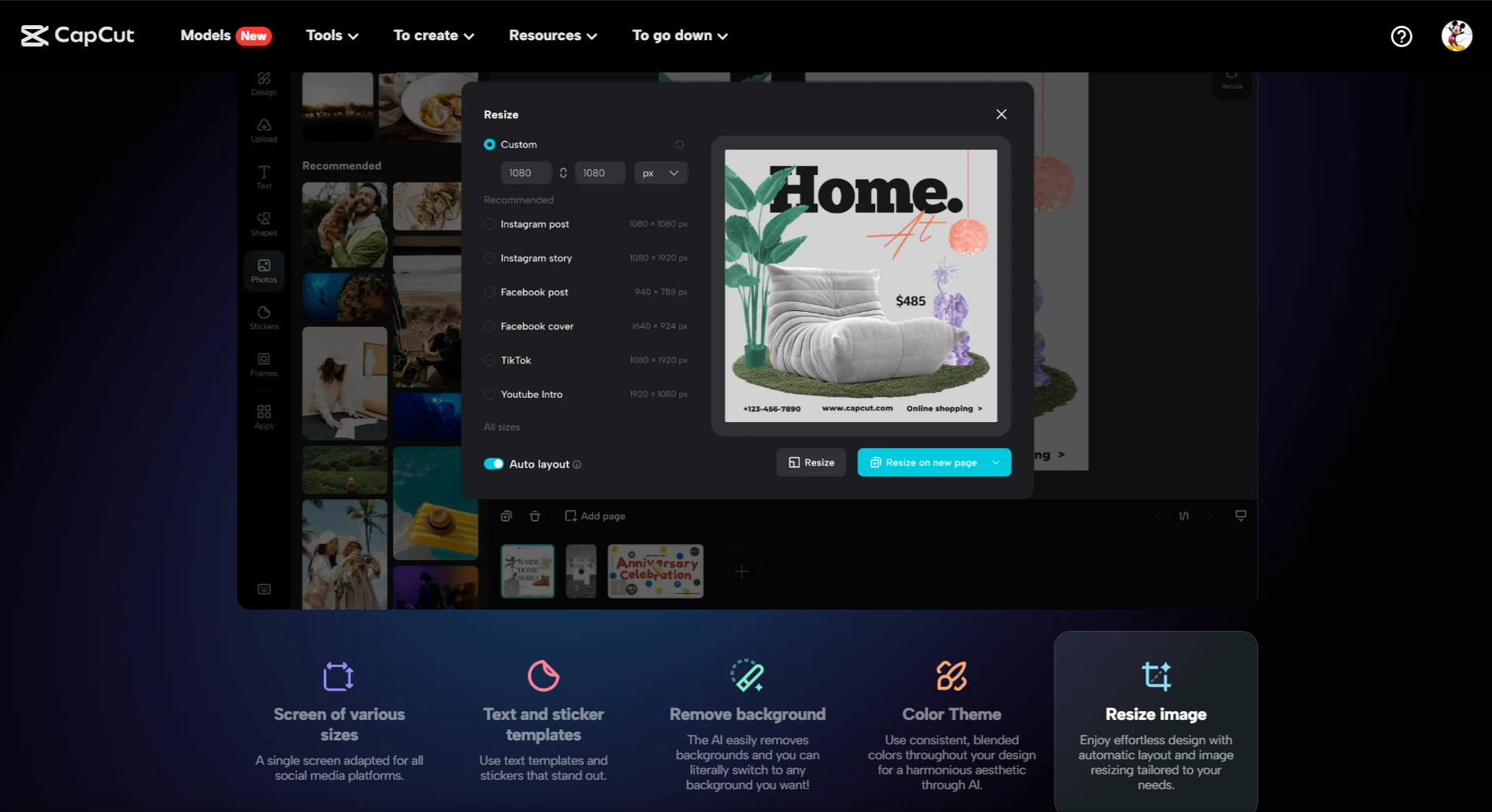
You can add that desired “wow” factor with a variety of amazing effects and filters, or you can choose the quick upgrade by adding or removing backgrounds. You can play around with the sizes by using the “resize” option, and the text templates and stickers add some color.
With the remover, it’s easy to get rid of the background that you don’t want, and the image upgrade makes your pictures look better. Old pictures can be brought back to life with restoration and a beautiful colorizer. Finally, the AI image generator gives your work an artistic touch.
A Huge Collection of Free Templates
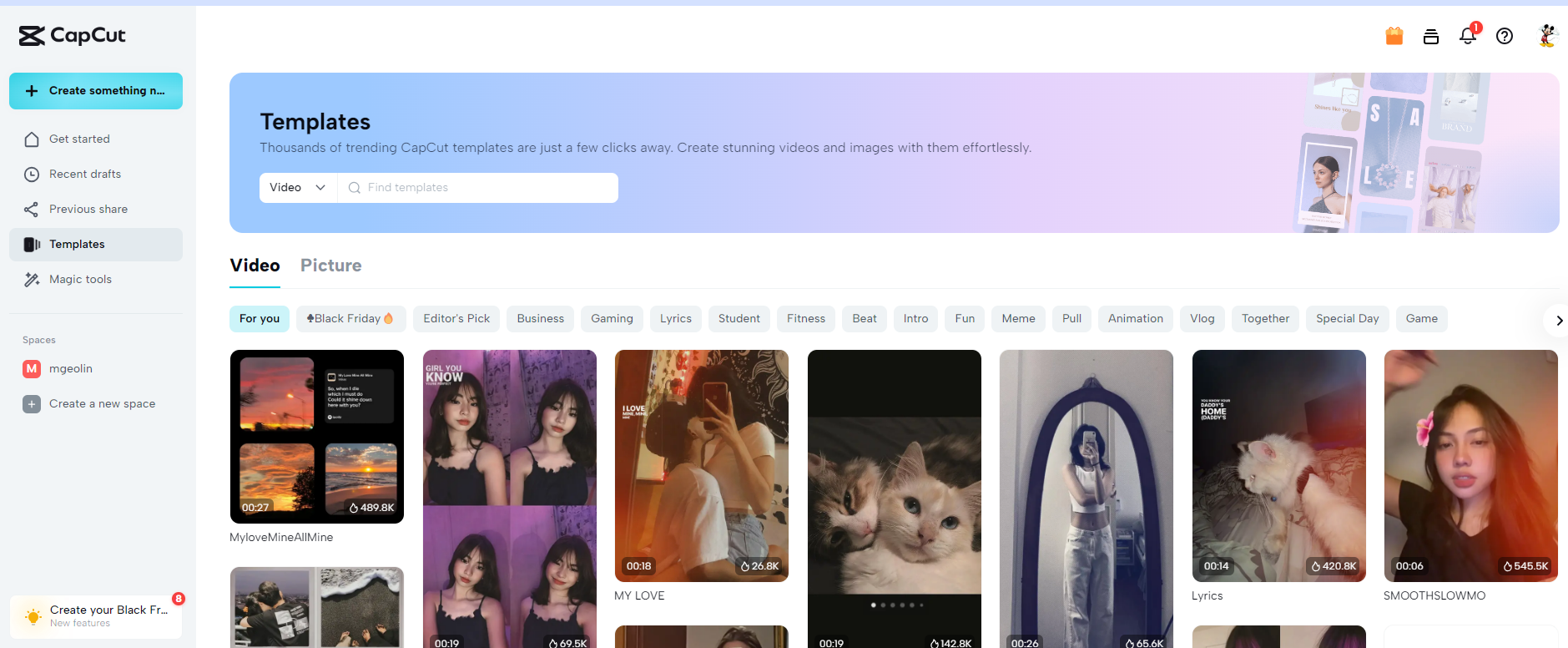
Say goodbye to dull designs, because CapCut’s Creative Suite is here to help you make your own. It has a huge library of free stock images and a huge collection of free online themes that can be used for personal or business purposes. Make interesting graphics and videos, or improve pictures with a template that fits your every artistic need.
The best part about these templates is that they don’t have any watermarks on them, so you can use them without any issues. CapCut’s Creative Suite can help you be more creative by giving you a design for any project, from trendy to downright artistic.
Watermark-Free Download
You can get watermark-free downloads from CapCut Creative Suite that will help your art look its best. CapCut makes sure that downloads of pictures, movies, or graphics are clean and clear, with no editors’ marks to get in the way.
This feature stands out because it removes watermarks from the end masterpiece, making it look like the real thing. CapCut gives you the tools you need to be creative in a way that doesn’t get in the way.
Steps on Using CapCut Online Photo Editor
Each step of CapCut’s picture editing process is made to be easy to understand so that even people who have never used the tool before can find their way around and use it correctly. It is as simple as the video to text process.
Step 1: Access CapCut Online Photo Editor: Start by accessing the website for CapCut. From the main screen, choose “Photo Editing” once you get there. This will take you to the online photo editor’s main screen, where you can begin revising the picture.
Step 2: Upload Your Photo: In the picture editor, click the “Upload” button. You can either look through your files and pick out the picture you want to change, or you can just drag and drop the picture into the area that’s there for uploads. Do not move on to the next step until your picture has been fully uploaded.
Step 3: Choosing Your Editing Tool: CapCut has a lot of tools for changing. You can choose from tools like Image Amplifier, Background Remover, Color Correction, and more based on your needs. Each tool has its interface with choices that are specific to that tool.
Step 4: Editing Your Photo: Start changing your photo with the tool you picked. Changing factors like brightness, contrast, and saturation, or adding filters and effects, could be part of this. The tools are made to be easy to use, so it’s simple to make the changes you want.
Step 5: Preview the Changes: It’s important to look at your picture again after you’ve made your changes. This step makes sure that all the changes look the way they should. You can easily change the settings again if you’re not happy or if you think they need more work.
Step 6: Save or send your edited picture: When you’re happy with how the photo looks after being changed, save it. You can pick the format and quality of the file that you want to send. Finally, save the picture you’ve changed to your device.
Step 7: Use collaborative editing (optional): CapCut’s collaborative editing tools can be very helpful if you’re working with other people. Share and edit pictures with your team, managing who can see and change what to make it easier for everyone to work together on the project.
Final Thoughts
CapCut Creative Suite stands out in the world of digital material as a trustworthy and flexible tool that can be used by both experts and amateurs. This guide went over its most important features, showing why it’s thought to be one of the best photo makers out there. CapCut lets users be creative by giving them an easy-to-use interface, powerful editing tools, and a wide range of free materials. It’s even more appealing because it doesn’t have any watermarks and comes with a variety of themes. CapCut is a complete and easy-to-use online editor for all your artistic needs, whether you want to improve photos, make graphic designs, or try out new visual effects.